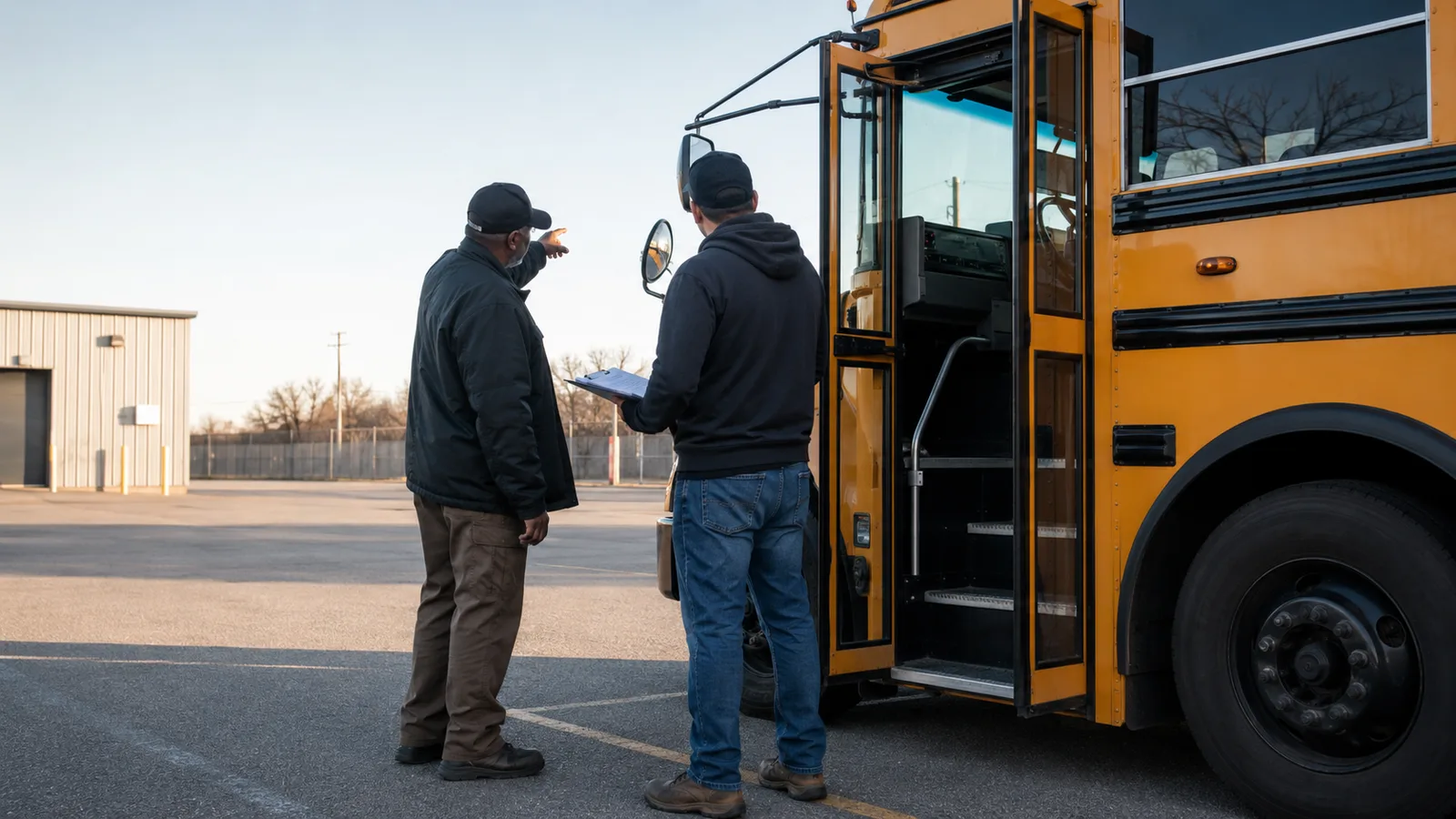
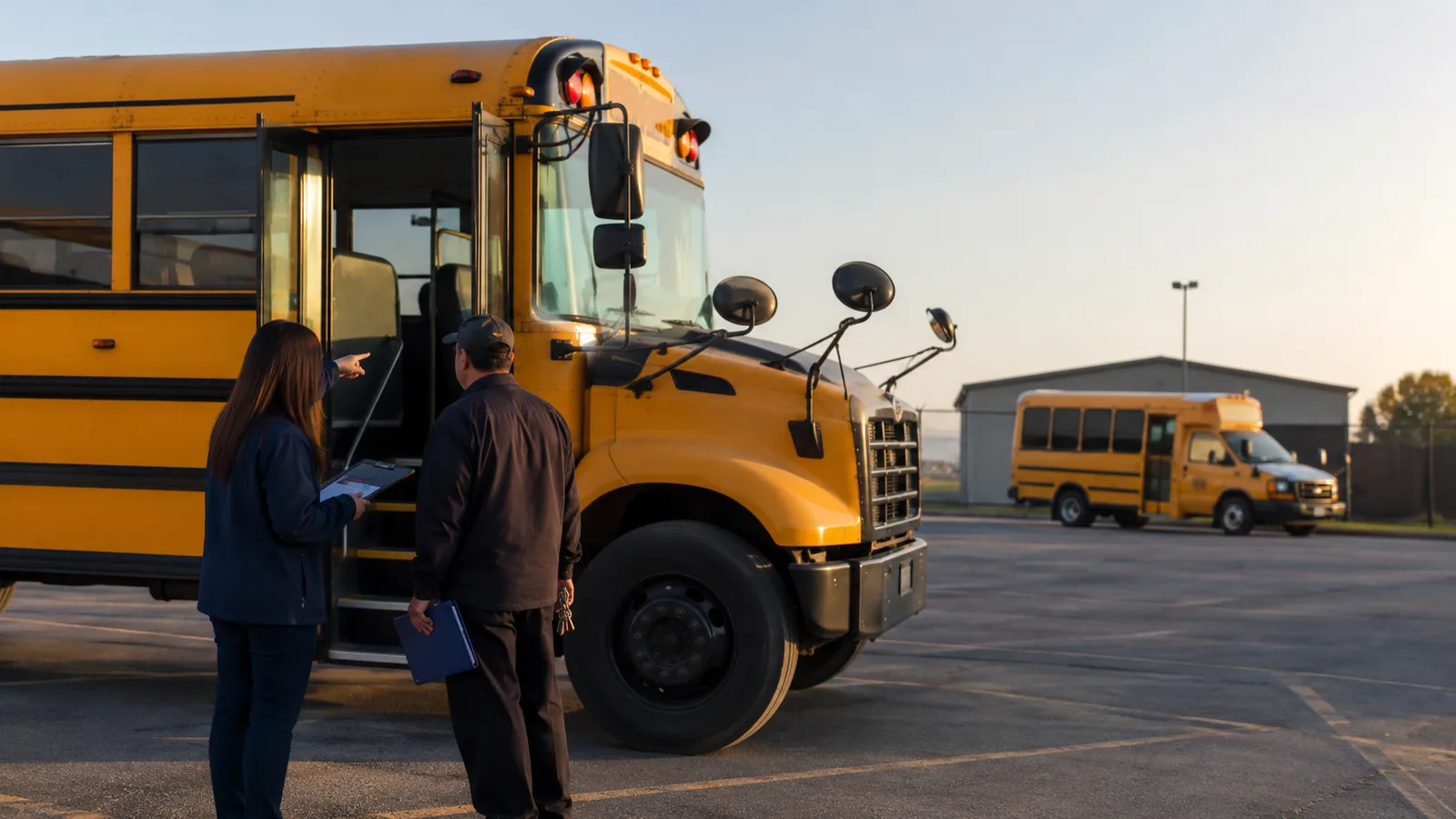
Teams need a practical way to manage the driver and vehicle assignment, not another set of disconnected notes. A school bus day moves through routes, stops, drivers, students, schools, and families. When one role works from old details, a small gap can become a delay or a safety concern. This guide explains how the driver and vehicle assignment can support clear ownership, timely updates, and a record the whole team can trust.
Drivers need the latest assignment, safe instructions, and a clear path to dispatch support. The best approach is simple enough for a busy morning but detailed enough for a hard exception. It should show what is current, who acts next, and how the result will be checked. The sections below turn that goal into a repeatable workflow for schools and transportation providers.
Driver and Vehicle: Build the Foundation First
A strong approach to the driver and vehicle assignment begins with one approved source of truth. Everyone does not need the same screen or the same level of access, but they must work from the same route and trip facts. Set clear role boundaries, use plain status names, and make open work visible. This reduces repeat questions and helps the team act before a small issue affects the next stop.
Assignment Is More Than Filling Two Empty Fields
A clear standard here prevents doubt during a busy route. A useful standard makes the next action easy to see and verify. Keep the workflow simple enough to use on a busy school day. Make each handoff visible to the next person. Update the shared record when the work is complete.
Start With the Current Route
This step connects the written plan with the live school bus day. The shared record should show the owner, timing, and expected result. Check the active route, service date, and stop order before work begins. Remove old notes that can cause doubt. Share the approved version with every role that depends on it.
Match the Driver to the Work
The team should settle this point before it affects a driver or family. A short review now can prevent a longer delay later in the day. Give drivers a clear action and a safe way to ask for help. Dispatch should acknowledge the request and name the next owner. Close the note when the result is known.
From Planning to Closure: Five Practical Steps
Use this sequence to manage the driver and vehicle assignment with less guesswork. Each step has a clear output, so the team can move forward without relying on memory or side messages. The same sequence also gives managers a practical way to check progress, find open work, and prepare the next service period.
- Define the goal. Write down the outcome your team needs from the driver and vehicle assignment for the trip, the staff, and the family.
- Check the source. Review the latest route, stop, student, driver, vehicle, and service-date details.
- Assign ownership. Give each open task to one person and set a clear time for the next check.
- Share the approved plan. Tell each role what changed, when it starts, and what action they need to take.
- Verify and close. Confirm the result, record any open follow-up, and remove notes that are no longer valid.
Route Familiarity Helps, but It Is Not the Only Factor
This part helps the team make a clear choice before service begins. Use checked facts and give each person a clear next step. Check the active route, service date, and stop order before work begins. Remove old notes that can cause doubt. Share the approved version with every role that depends on it.
Match the Vehicle to the Route
A clear standard here prevents doubt during a busy route. A useful standard makes the next action easy to see and verify. Give drivers a clear action and a safe way to ask for help. Dispatch should acknowledge the request and name the next owner. Close the note when the result is known.
Capacity Should Reflect the Current Manifest
This step connects the written plan with the live school bus day. The shared record should show the owner, timing, and expected result. Use the latest student and manifest details. Keep private data limited to the people who need it. Record the action so the school and family can receive a checked update.
A Quick Quality Check Before the Bus Leaves
A focused checklist supports a consistent approach to the driver and vehicle assignment without adding another long meeting. Review these points before live service and again after any major change. If one item is unclear, assign it before the bus leaves instead of asking the driver to solve it during the trip.
Field principle: The best process is the one a busy team can understand, use, and verify in real time.
Accessibility and Approved Support Requirements
The team should settle this point before it affects a driver or family. A short review now can prevent a longer delay later in the day. Use short labels and clear status names. Make the next action visible without opening several screens. Test the workflow with the people who use it each day.
Check the Entire Operating Day
An assignment that works for one trip may fail when the rest of the operating day is considered. Use checked facts and give each person a clear next step. Set one owner, one deadline, and one place for the latest details. Tell the team what success looks like. Review the result before the next trip begins.
One Route Should Have One Current Assignment
Each route and service period should have one current daily assignment. A useful standard makes the next action easy to see and verify. Use real travel time and the latest stop details. Test the plan against the morning and afternoon service. Record the final choice in the shared route record.
Where Good Plans Usually Break Down
Most failures do not begin with one large mistake. They grow from small gaps that stay open across several roles. A quick daily review can find those gaps while there is still time to act. Watch for the following patterns, then record the owner and next step for anything that remains open:
- Using an old route sheet after a newer version has been approved.
- Sending a family update before the transport team has checked the facts.
- Recording an issue without naming the person who owns the next step.
- Leaving a temporary note active after the condition has ended.
Related Guides for a Stronger Operation
A strong approach to the driver and vehicle assignment works best when it connects with the rest of the operation. Continue with Creating a Clear Daily Route Brief for School Bus Drivers to improve the next part of the workflow. Use How Transportation Providers Can Respond to Vehicle Coverage Gaps when the team needs a closer look at daily roles and records. Then review A Practical Onboarding Checklist for New School Bus Drivers to connect the plan with another common school transportation challenge. These guides use the same core idea: current facts, clear ownership, and visible closure.
Keep the Process Clear From Day to Day
Results improve when the team follows the same clear workflow for the driver and vehicle assignment. Keep the plan current, give each task an owner, and record the result before the next handoff. When the same steps work across school, provider, driver, and family roles, the work becomes easier to manage and improve. Learn how Bus Pingo connects these roles in one shared transportation flow, or book a demo to review the workflow with your team.
What does a strong approach to the driver and vehicle assignment require?
A clear approach to the driver and vehicle assignment gives each role current facts, visible ownership, and a reliable way to verify the result.
What should the transportation team review first?
Start with the active route, service date, driver and vehicle assignment, student details, temporary notes, and any open issue from the prior trip.
How can Bus Pingo support the workflow?
Bus Pingo connects role-based route, trip, student, driver, vehicle, incident, and family information so teams can work from one shared transportation flow.